
Google Workspace Automation for Small Business

Practical Google Workspace automation for cleaner Sheets, Forms, Gmail follow-up, Calendar reminders, Drive organization, Apps Script, and owner visibility.

You may not need a new app to fix the first bottleneck. Google Workspace can often handle intake, follow-up, reminders, file organization, simple reporting, and owner visibility when the Sheet, Form, inbox, calendar, and Drive handoff are cleaned up first.

Most projects start with one broken workflow, spreadsheet, form, or follow-up process.

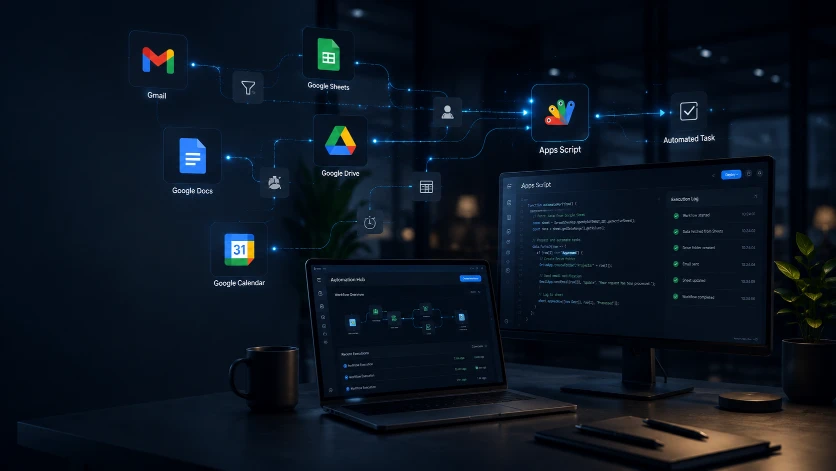
Google Workspace automation connecting Gmail, Sheets, Drive, Docs, Calendar, and Apps Script

Best fit

Owner-operators and small teams already using Gmail, Google Sheets, Forms, Calendar, and Drive.

Before

Manual work keeps piling up.

Google Form submissions need to be copied into Sheets, Gmail, folders, or reminders by hand.

Follow-up emails and owner updates depend on someone remembering what happened.

Google Sheets have grown into business-critical trackers but formulas, statuses, or review steps are messy.

Drive files, client details, calendar dates, and task updates live in too many places.

After

A cleaner workflow takes over.

Google Forms can create cleaner Sheet records with confirmation emails, owner alerts, and next-step fields.

Gmail follow-up, Calendar reminders, and Drive folders can be tied to the same source record.

Sheets can be cleaned up with validation, clearer statuses, protected formulas, and simple reporting views.

Apps Script can automate the repeatable handoff while sensitive decisions stay reviewable by a person.

How the first version gets built.

The goal is not to automate everything at once. The goal is to remove the first repeated bottleneck, prove the workflow, then grow only when the business needs it.

Step 1

Pick one safe first project: intake cleanup, form-to-sheet handoff, Gmail follow-up, Calendar reminder, Drive folder routing, or a simple reporting view.

Step 2

Clean the Google Sheet, Form fields, email language, folder path, or calendar handoff before adding automation.

Step 3

Use Apps Script when the workflow needs custom rules, alerts, file creation, reminders, or Sheet-to-Gmail actions that normal settings cannot handle cleanly.

Step 4

Test the first version with real examples, document what runs automatically, and keep owner review where judgment is needed.

Tools this can connect.

We use familiar tools first. A custom app only makes sense when simple workflows and existing platforms are no longer enough.

Google Sheets cleanup

Google Forms intake

Gmail follow-up

Calendar reminders

Drive organization

Apps Script automations

Looker Studio or simple reporting

Owner visibility

Choose the next step for your Google workflow.

Use these links to compare service options, see public-safe proof patterns, or read the two practical automation guides before requesting a workflow review.

Get a Free Automation Review

Bring one Sheet, Form, Gmail follow-up, Calendar reminder, Drive folder, report, or Apps Script problem for review.

Start review

See Services

Compare workflow repair, forms and reports cleanup, office automation, custom tools, and practical AI support.

Compare services

See Proof Examples

Review public-safe examples of intake systems, spreadsheet cleanup, dashboards, and workflow automation.

View examples

What to Automate First

Use the first-step guide when the problem is a repeated admin task, form, report, reminder, or handoff.

Read guide

Automation Examples

See practical examples for intake, follow-up, reporting, approvals, phone workflows, and checklists.

See examples

Common questions

What can be automated inside Google Workspace?

Google Workspace can support Form-to-Sheet intake, Gmail confirmations and follow-ups, Calendar reminders, Drive folder organization, Apps Script alerts, Sheet cleanup, and simple reporting or Looker Studio handoffs.

Do I need a new app or can Google tools handle the first fix?

Often Google tools can handle the first fix. A new app makes more sense when the workflow needs stronger roles, dashboards, permissions, history, or records that Google Workspace cannot support cleanly.

What are safe first Google Workspace automation projects?

Start with one repeated handoff such as Google Forms intake, Sheet cleanup, Gmail confirmation drafts, owner alerts, Calendar reminders, Drive folder routing, or a weekly reporting view.

When does Apps Script make sense?

Apps Script makes sense when normal Google settings cannot handle the rule safely, such as creating records, sending owner alerts, building folders, updating Sheets, or connecting a form, inbox, calendar, and report.

How do I get my Google Workspace workflow reviewed?

Use the Free Automation Review and describe one Sheet, Form, Gmail, Calendar, Drive, reporting, or Apps Script problem that keeps creating manual cleanup.

Start with the workflow that wastes the most time.

Tell us what is broken, slow, repetitive, or messy. We will help you choose the smallest useful fix.

Get a Free Automation Review

Most projects start with one broken workflow, spreadsheet, form, or follow-up process.