Public-safe summaries of operations portals, intake workflows, shared communication tools, dashboards, and automation designed around real business work.
Illustrative workflow concept — not a client screenshot.
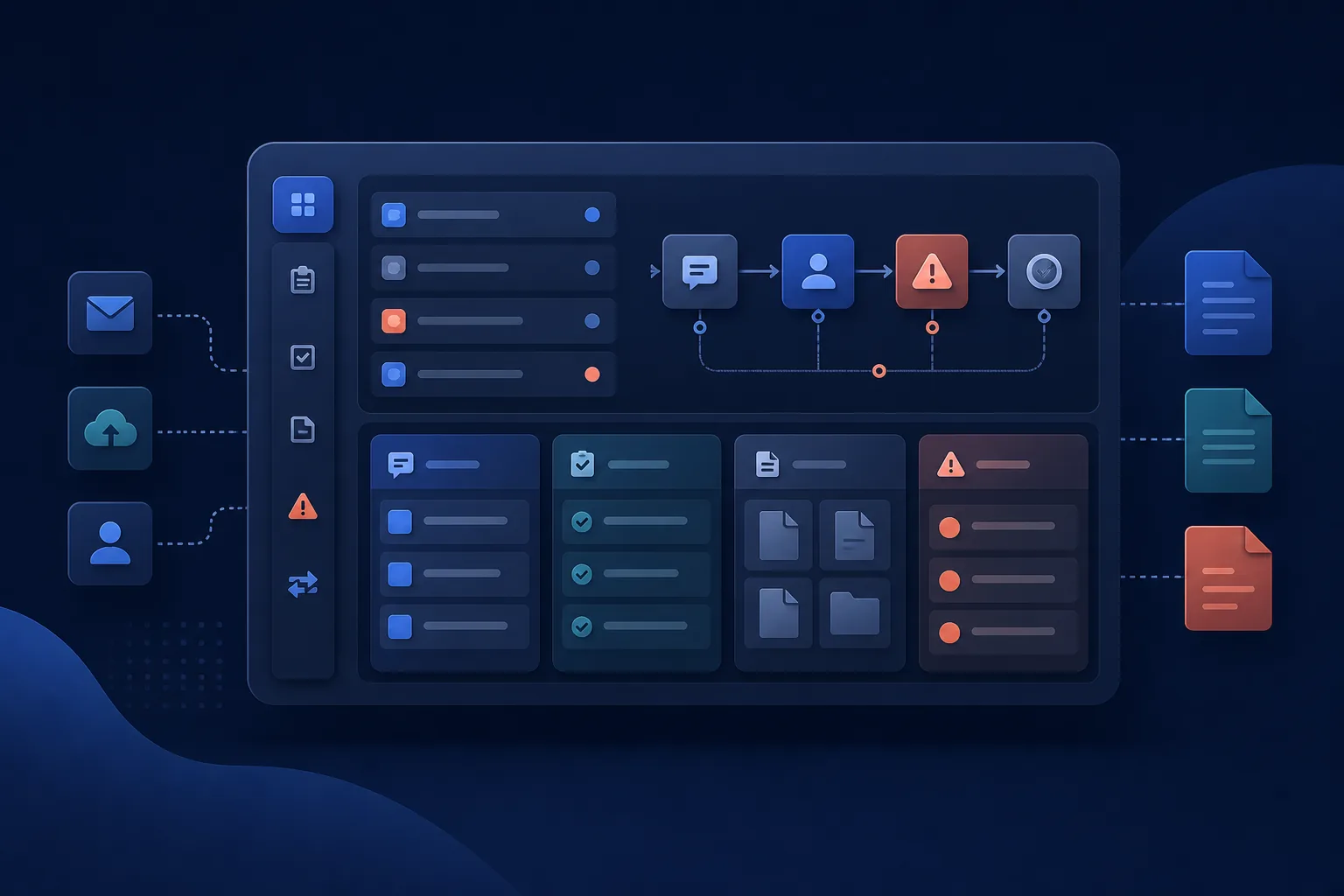
Operations portal
Status pending owner confirmation
One controlled view of field work, records, and review queues.
Operating problem
Field reports, onboarding records, compliance review, proposals, and payout decisions were spread across separate manual steps.
System approach
A private operations portal brought dashboards, submissions, review holds, and owner visibility into one controlled workflow.
Operational focus
Make open, missing, blocked, and ready-for-review work easier to see.
Illustrative workflow concept — not a client screenshot.
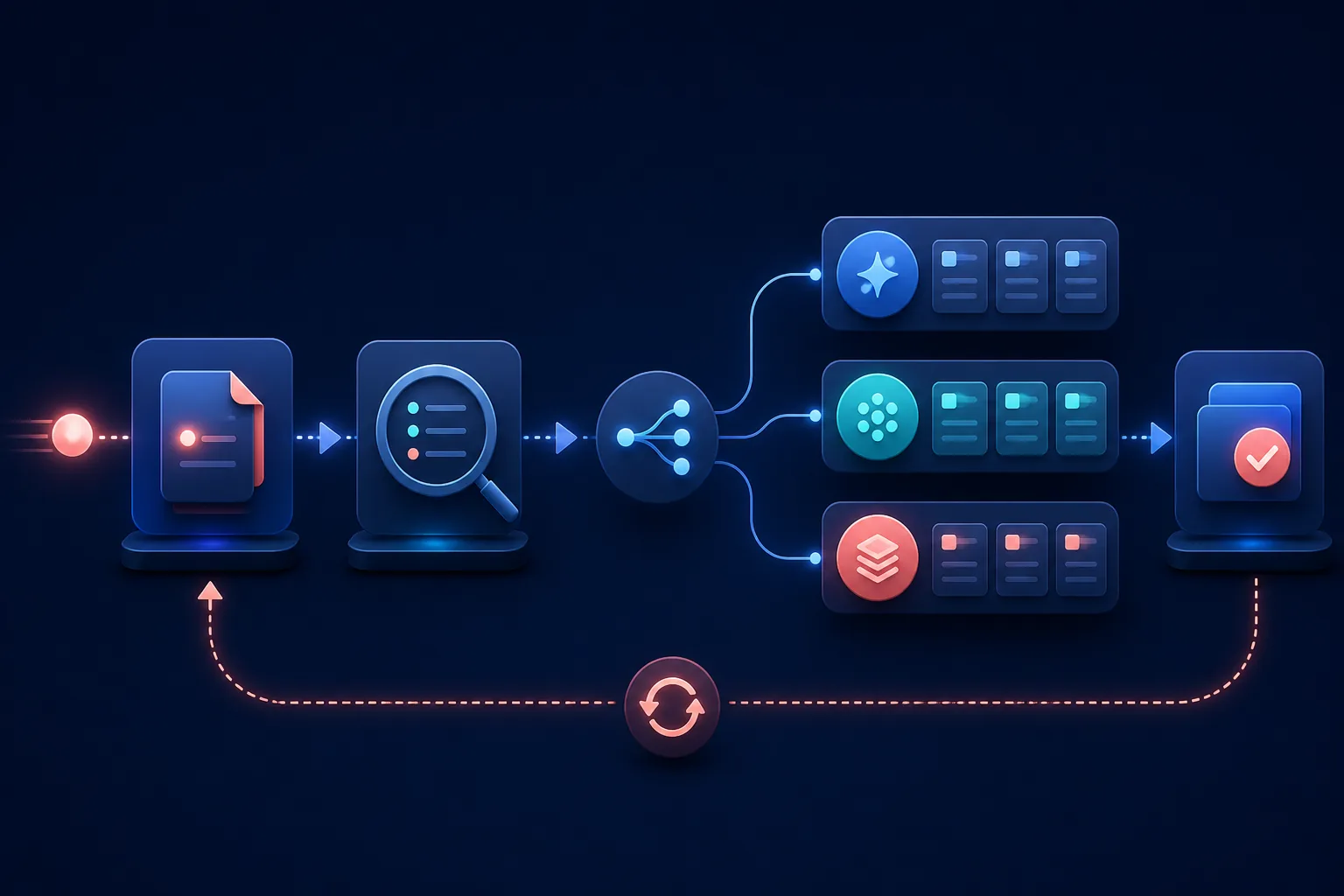
Intake and service workflow
Status pending owner confirmation
A clearer handoff from new request to organized service work.
Operating problem
Service requests, branded forms, package details, case records, and staff handoffs needed a more reliable path.
System approach
A guided intake workflow organized required information, draft recovery, case records, payment readiness, and manual fallback controls.
Operational focus
Keep the request usable when mobile visitors pause and staff need to finish the handoff.
Illustrative workflow concept — not a client screenshot.
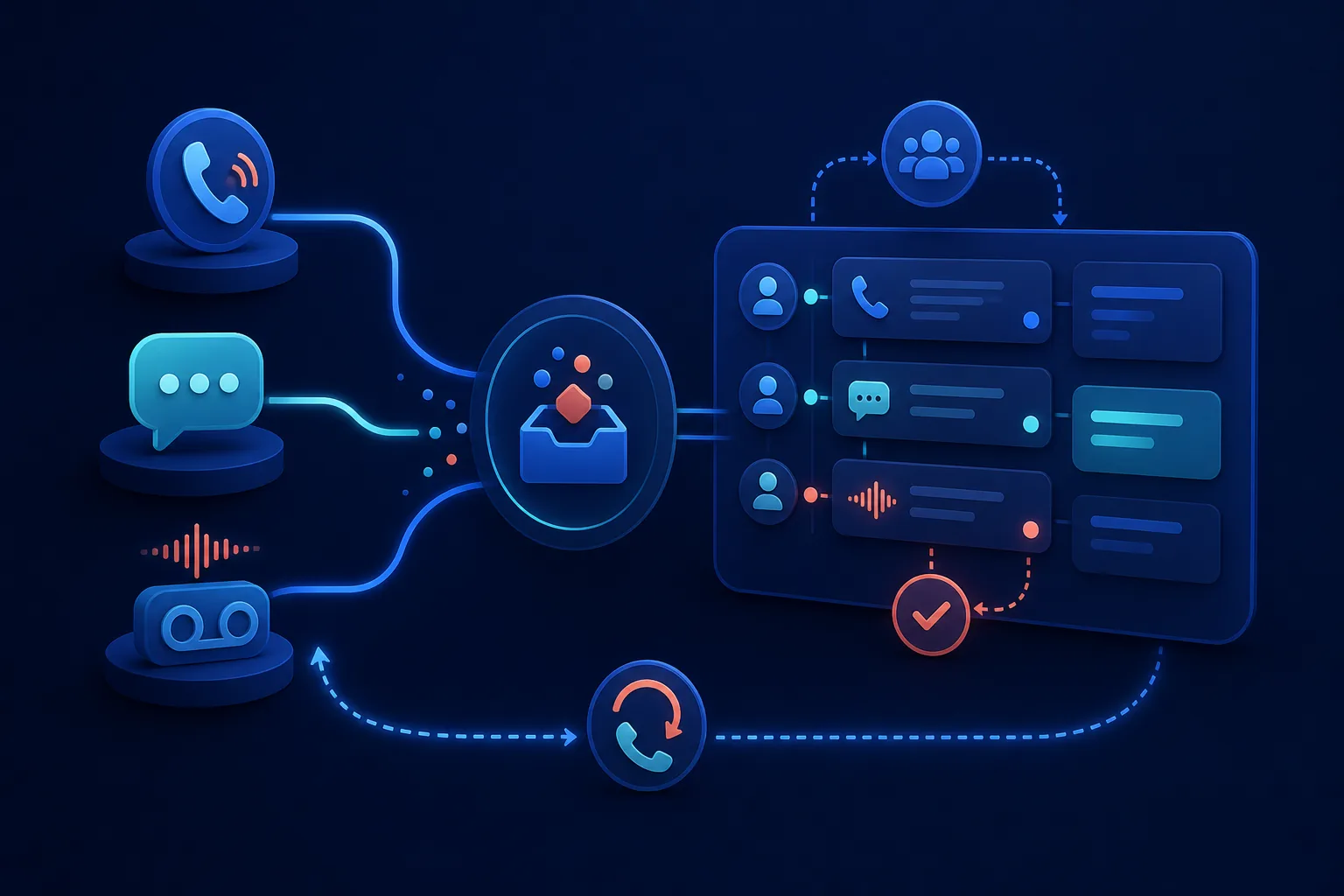
Shared communication workspace
Status pending owner confirmation
Calls, messages, and voicemail organized for team follow-up.
Operating problem
Calls, texts, missed calls, and voicemail could disappear on one phone instead of becoming visible follow-up work.
System approach
A shared communications workspace organized line access, call history, message threads, voicemail details, ownership, and callback actions.
Operational focus
Turn communication into a visible queue without presenting private customer information.
More public-safe system summaries
Different tools, one practical standard.
Start with the operating problem, keep sensitive decisions reviewable, and build only the amount of system the workflow needs.
Operations portal
Private construction finance portal
Status pending owner confirmation
A private Next.js portal for payroll reporting, subcontractor onboarding, compliance review, proposal control, and payout tracking.
Authenticated owner and client dashboard
Daily payroll and work-report submission
Subcontractor onboarding with document uploads
Compliance review and hold reporting
Proposal budget tracking and payout candidate review
Firebase persistence and Google Apps Script handoff
Operational focus
Supports a controlled path for field reports, subcontractor paperwork, payout review, and owner visibility.
Service workflow system
Vet portal and package intake system
Status pending owner confirmation
A vet-facing portal and client intake system for package pricing, branded forms, case tracking, payment readiness, and operations handoff.
Firebase Auth vet login
Vet-specific branding, pricing, and client links
Multi-step package intake forms
Draft recovery for interrupted mobile forms
PDF, email, SMS, and calendar workflow handoff
Optional crematory sync with manual fallback controls
Operational focus
Supports a repeatable path for package intake, vet updates, pricing, case records, and operations emails.
QR, NFC, and recovery app
PTID pet recovery platform
Status pending owner confirmation
A Supabase-backed pet recovery platform with owner dashboards, public tag lookup, scan events, privacy controls, and optional masked SMS coordination.
Owner account dashboard and pet records
QR/NFC public lookup route
Safe public response fields
Active recovery events and location pings
Privacy-state controls and cleanup routines
Twilio masked SMS recovery scaffolding
Operational focus
Designed to connect physical tags to a privacy-aware recovery workflow for owner alerts and finder communication.
Voice, SMS, and team inbox
Shared business phone and messaging app
Status pending owner confirmation
A mobile business communications app using Twilio, Firebase, and Cloud Run for shared phone lines, calls, messages, voicemail, and team follow-up.
Multi-line workspace model
Firebase-backed users and line permissions
Incoming and outgoing call support
Shared call history and missed-call ownership
Shared SMS threads and outbound messages
Voicemail metadata, transcripts, and callback actions
Operational focus
Designed to make calls, texts, missed calls, and voicemail visible to a team instead of leaving them on one phone.
Start with one workflow that needs a better way to run.
We will look at the current tools, the bottleneck, and the smallest useful path from manual cleanup to a clearer operating system.